Less Photoshoot Planning
Create new pet looks from the references you already have. Spend less time coordinating a new shoot for every idea.
Tufty brings pet dress-up, product photography, and short videos into one simple workspace. Made for independent pet sellers who handle everything themselves — create visuals for your shop, spend less time arranging shoots, and make room for your next sale.
Start Creating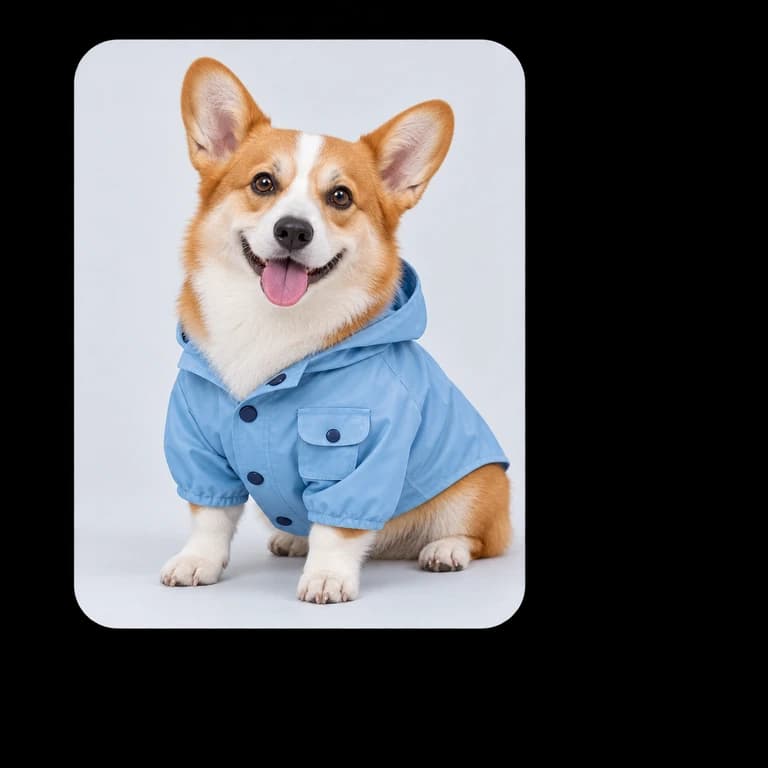
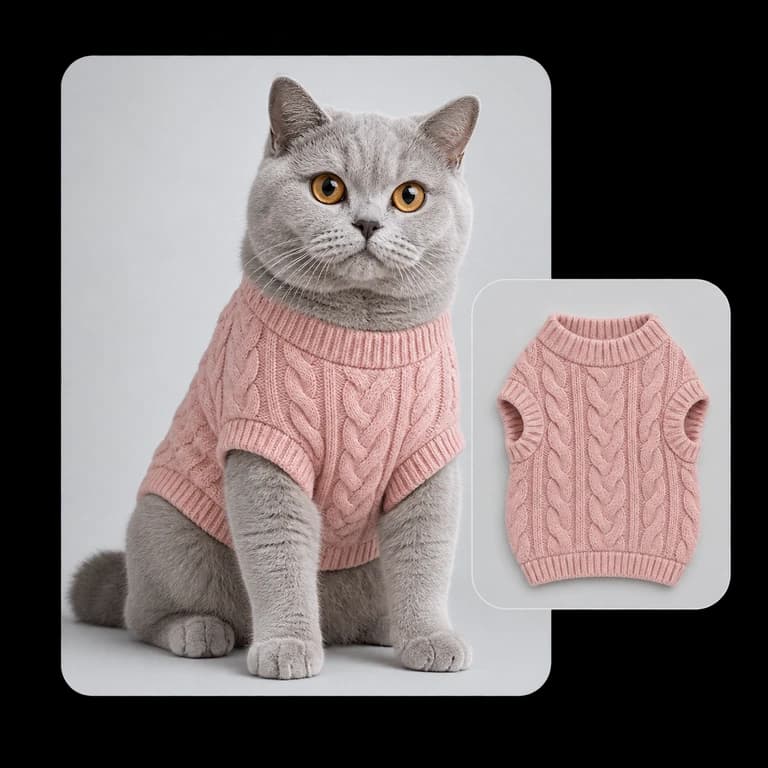
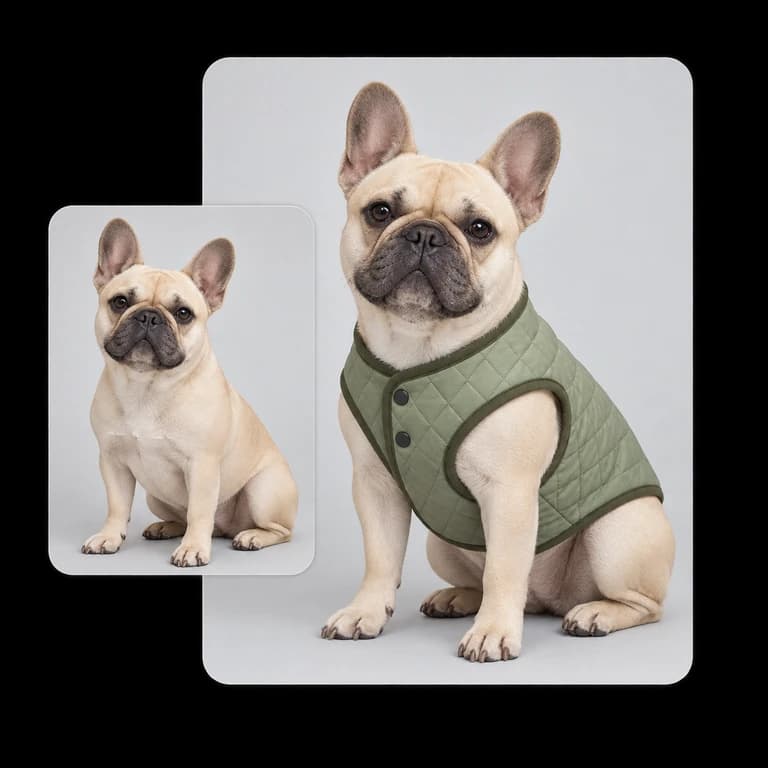
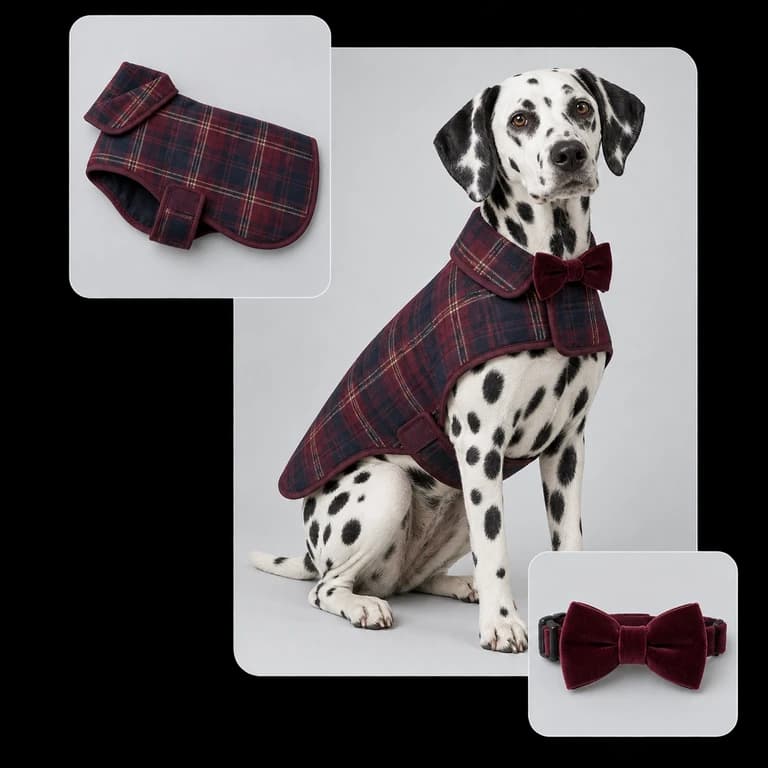
Tufty brings your garment and pet photos together in a new look. Upload your references, add styling notes, and explore AI try-on images for your next collection — without planning another pet photoshoot.
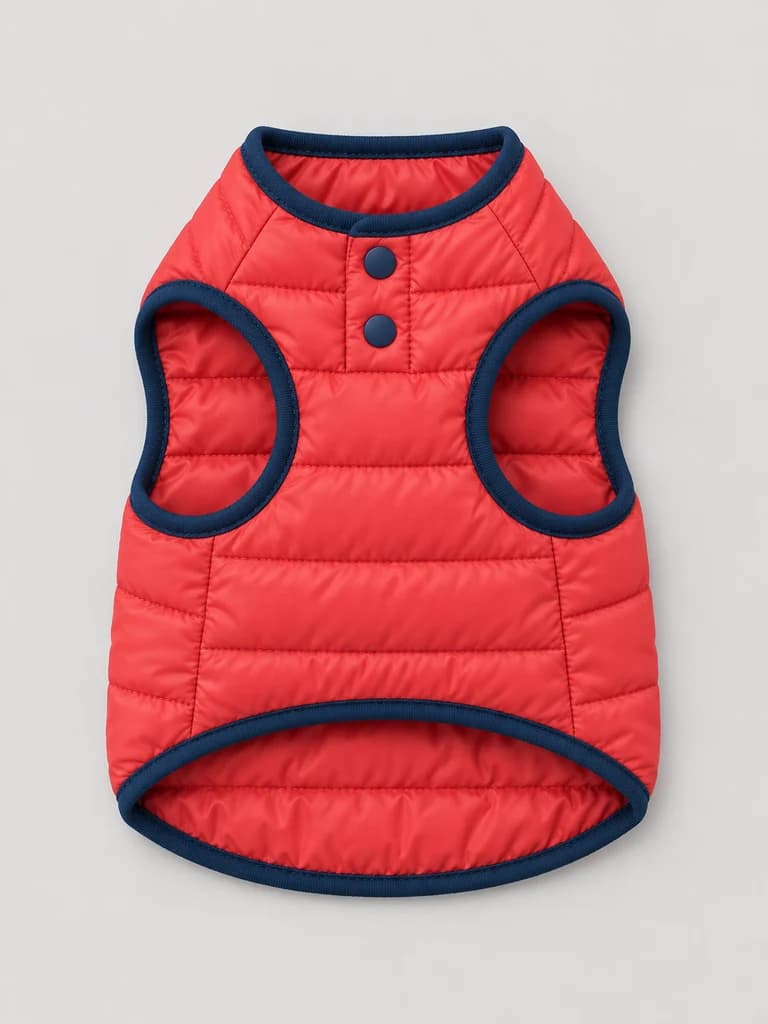 Your product
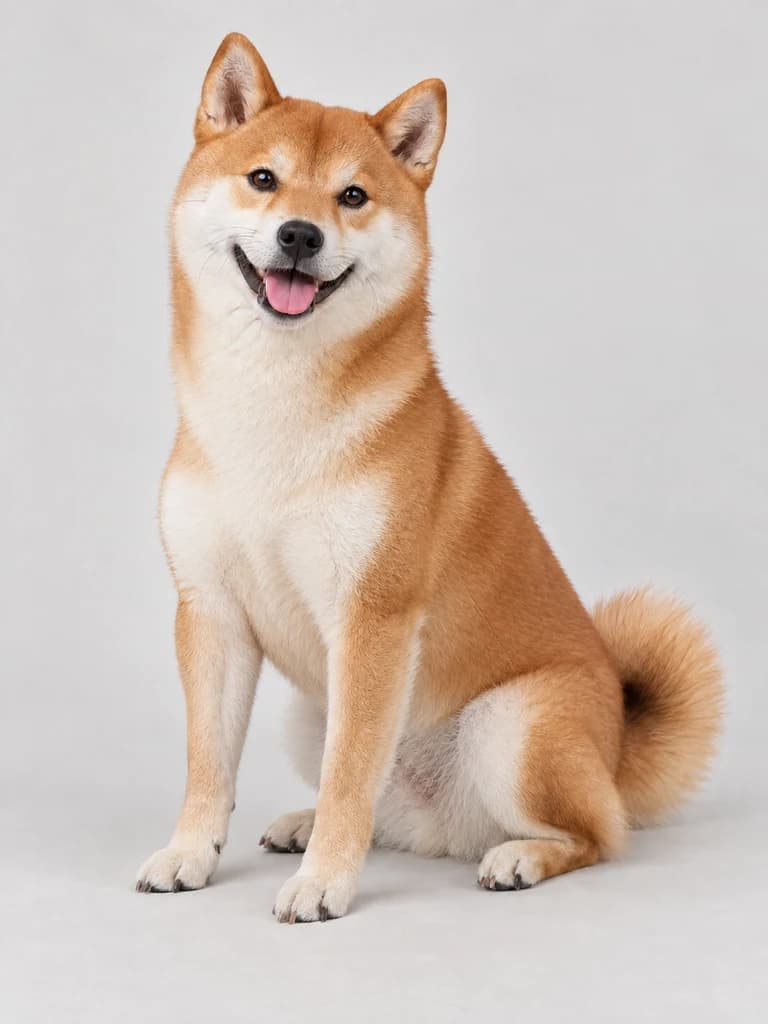 Your pet
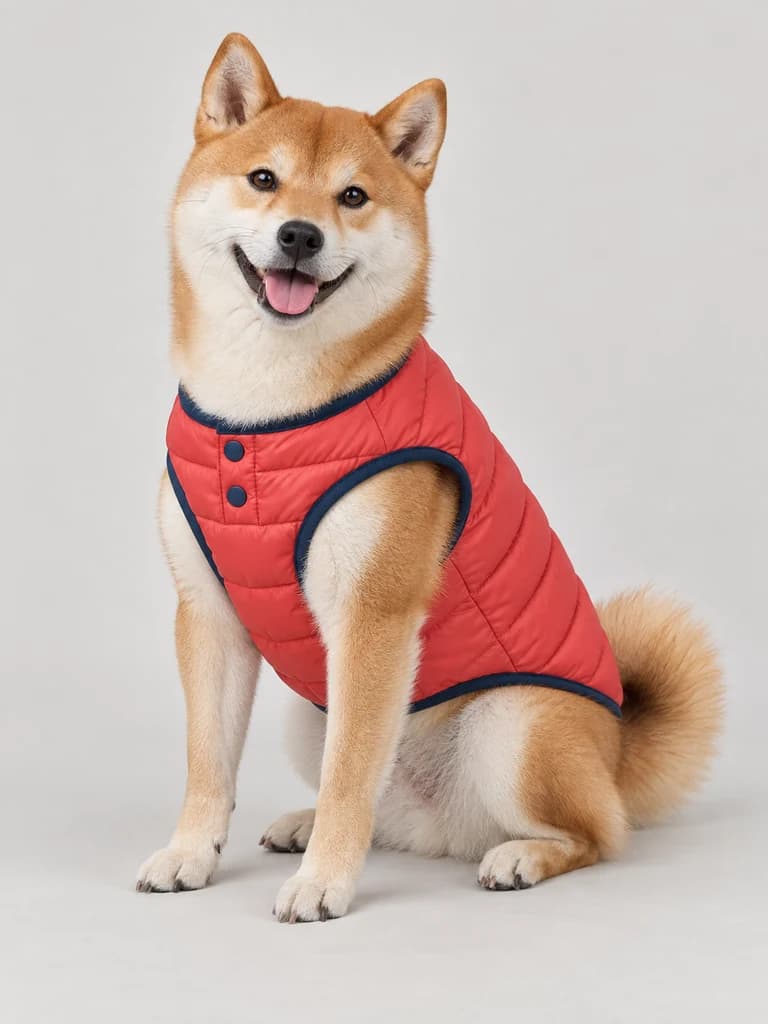 AI try-on
Turn a product photo and a pet reference into styled visuals for your store. Explore image variations, select your preferred quality and format, and review the garment details before adding a new look to your product page.
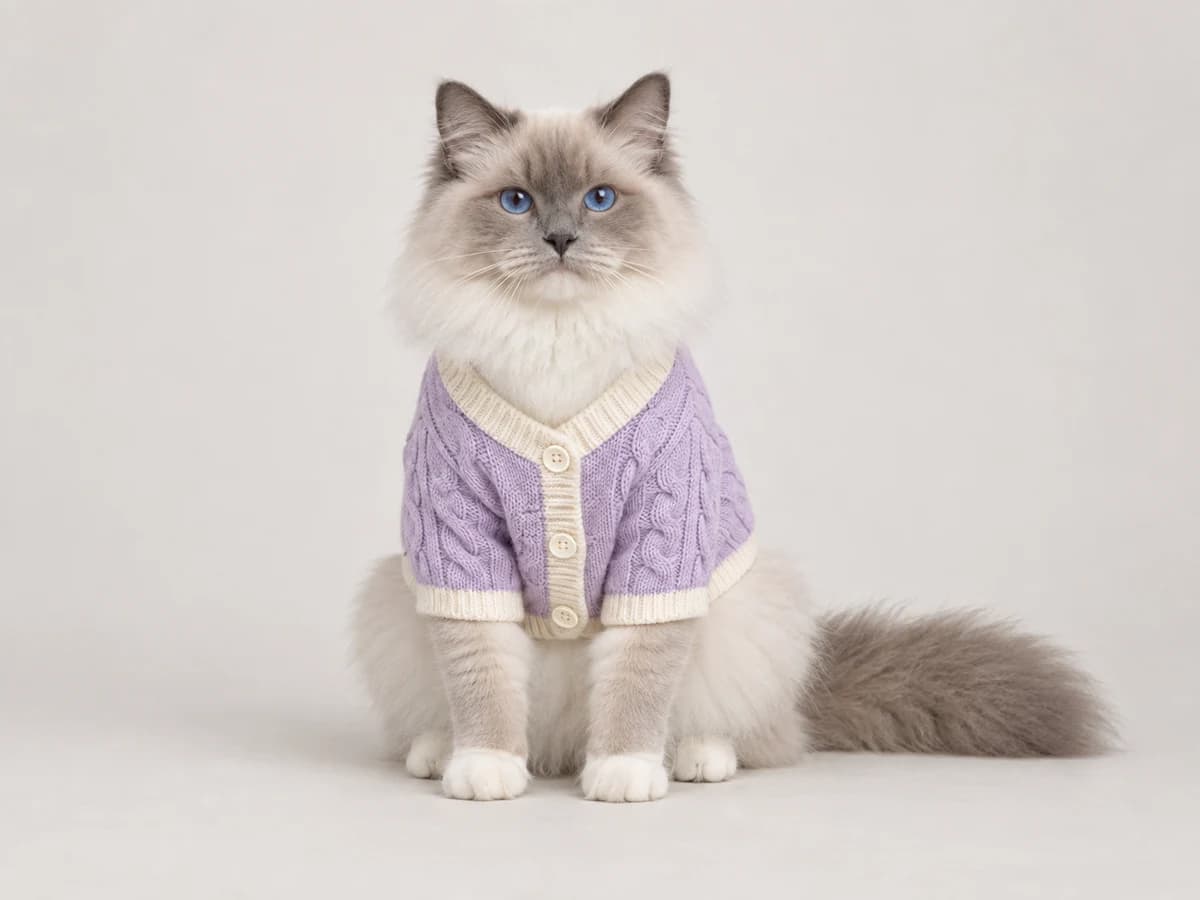
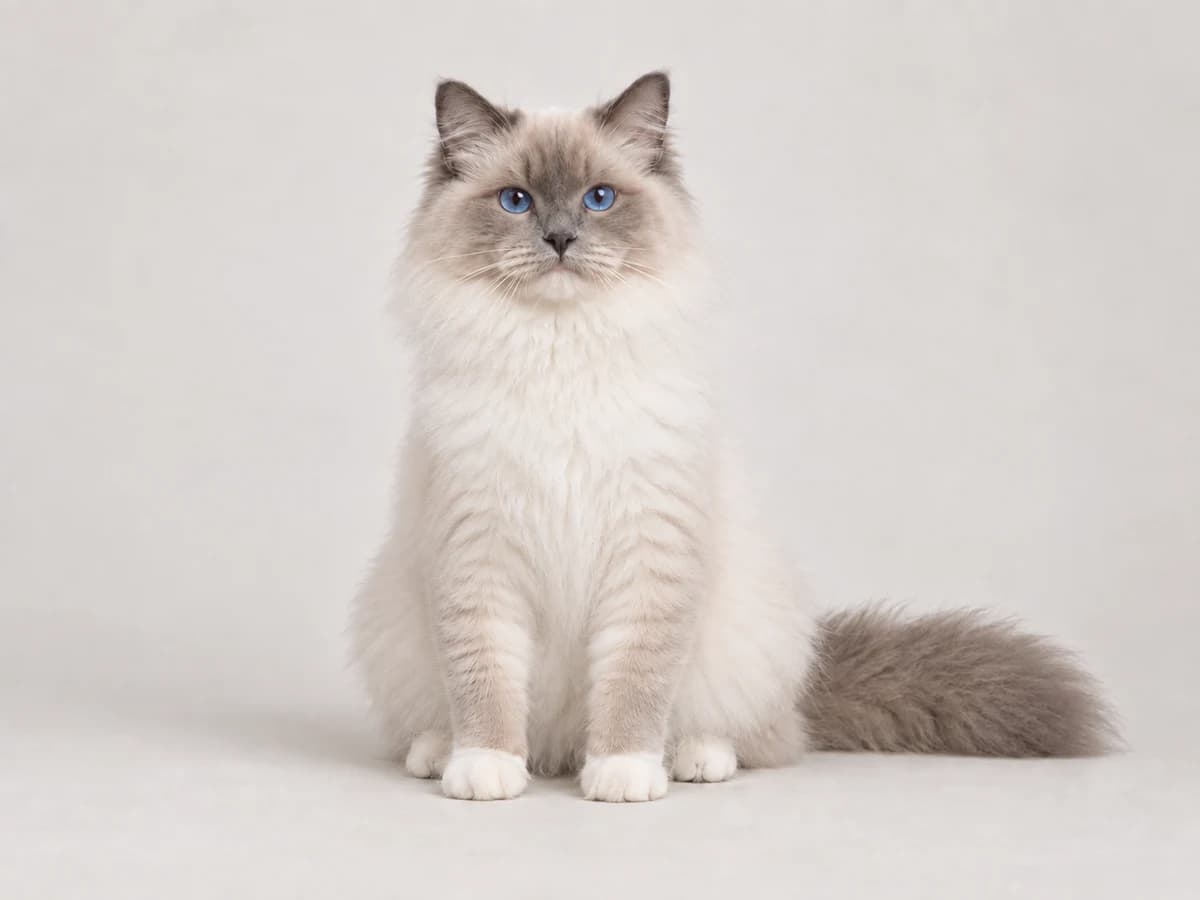
Bring your own pet model to the creative process. Use a clear pet photo as a reference, pair it with your garment, and explore a new outfit on a familiar face. Start with the pets that suit your brand and collection.
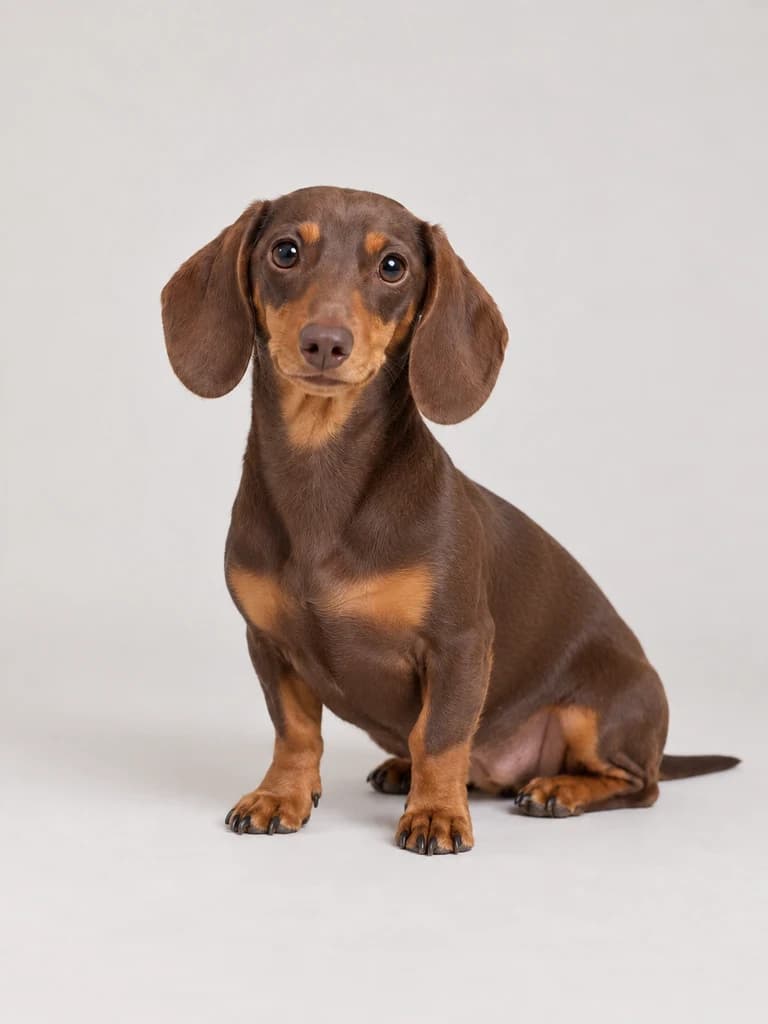
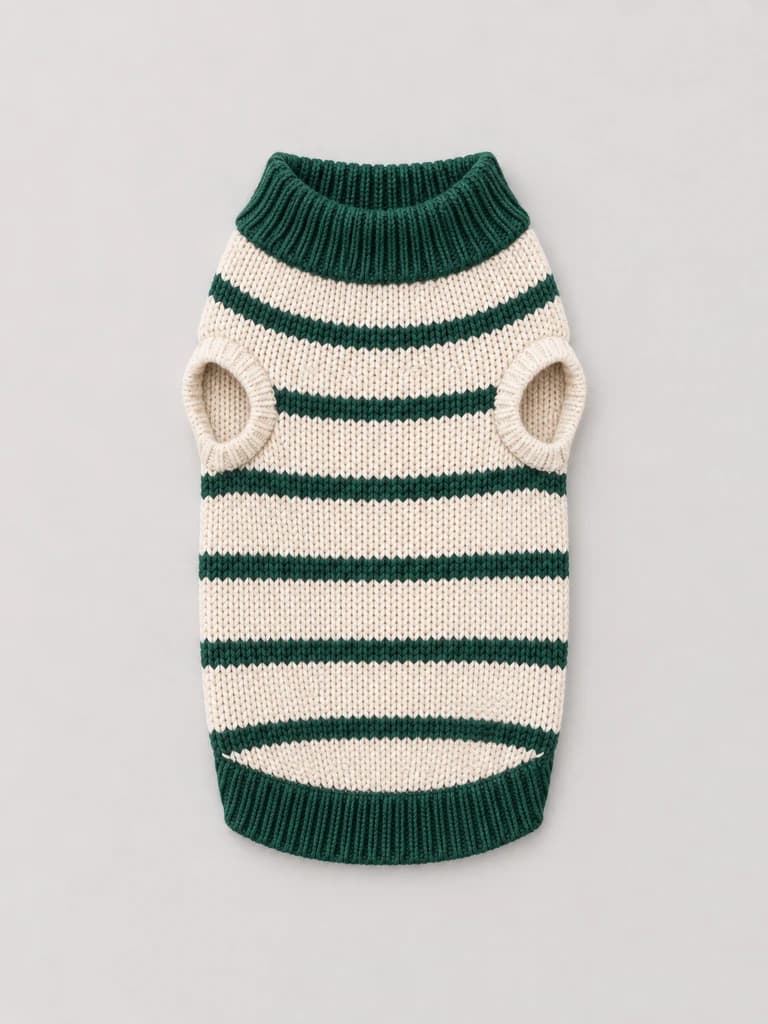
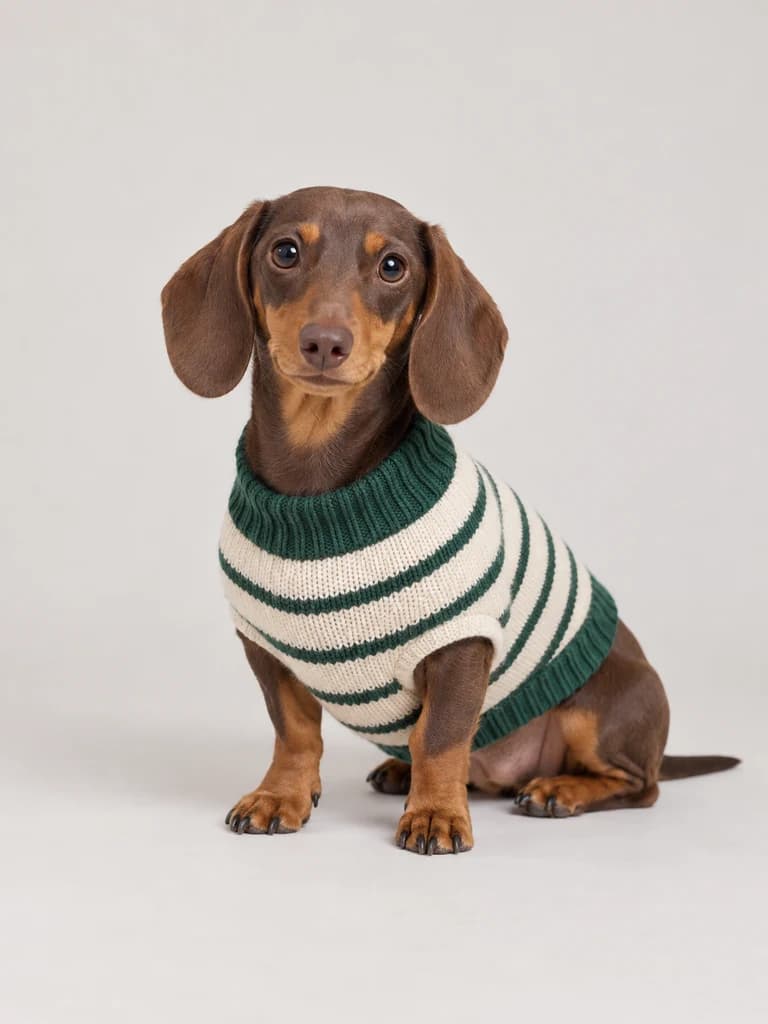
Tufty turns an existing image into a short pet video for product pages, social posts, and brand campaigns. Start with a look you love, describe the movement, and create a new way to show your product.
 Product photo
Create new pet looks from the references you already have. Spend less time coordinating a new shoot for every idea.
Explore garment and pet combinations, then choose the images that tell your product’s story.
Take a favorite image into the video studio and turn one look into another piece of content.
Prepare fresh visual ideas for product pages, seasonal launches, and everyday social posts.
Built for solo pet sellers who handle it all themselves — listings, photos and everyday promotion.
It's just me running this shop. I used to book a photographer every time I added a few pieces, which gets brutal when you're adding pieces every month. Now the outfit shots come out of photos I already have.

I sew every piece myself, so the shoot was always the bit that held everything up. These days I upload the garment and a photo of the dog, try a few looks and pick one. No more week of emails with a photographer.

Small shop, no content budget — I can't send every new product off to be styled. I'll run it past a few different dogs, see which one it sits best on, and the listing's up that afternoon.

Orders, customer messages, listings — all of it's me, at the kitchen table. Images were the thing I'd put off for weeks. Now I knock them out between other jobs, and I'm not booking studio time to do it.

The shop runs alongside my day job. A shoot meant lining up a photographer, a dog and a free Saturday — three things that never agreed. Now I sit down after dinner and the new range is ready.

What I like is getting more out of a single product shot. I take it through the video studio and suddenly there's something for Instagram as well. Same photo, second piece of content, nobody to pay.

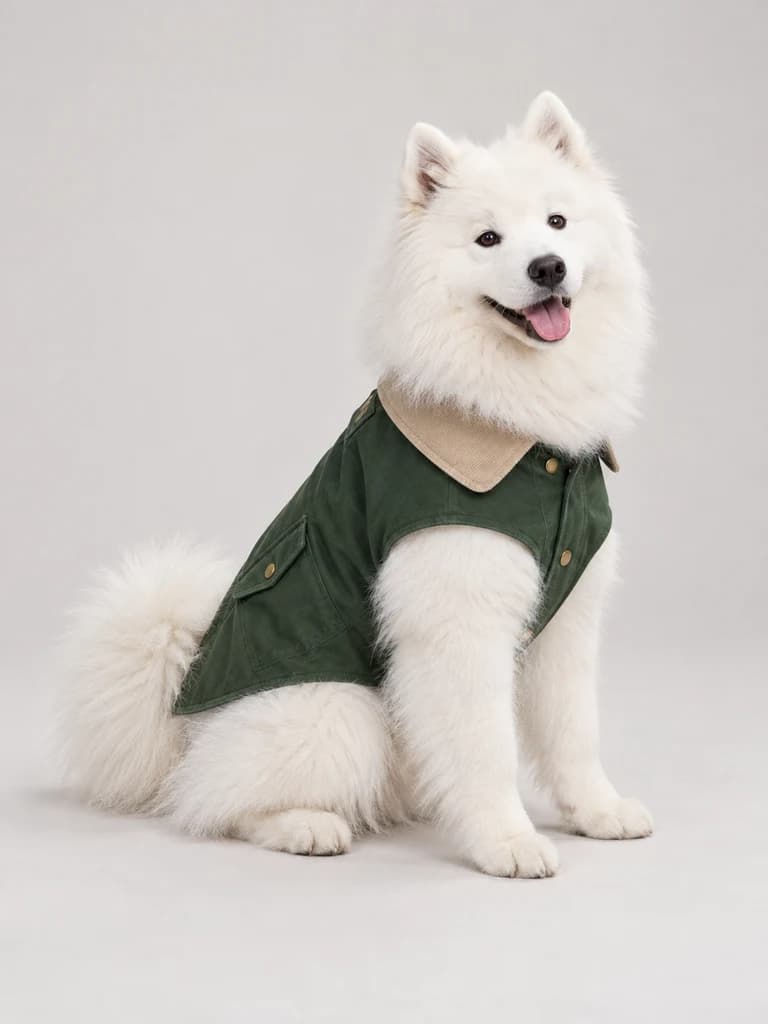
Tufty helps independent pet sellers create AI pet try-on images and short videos. Start in Pet Dress-Up with a product photo and a pet photo, or use Image to Video to animate an existing image.
Use a clear, well-lit product photo that shows the garment’s shape, color, and details, plus a pet photo with an unobstructed body. Avoid blurry images and heavily cropped garments. You can add optional instructions to guide the result.
Yes. Upload your own pet photo as the model reference. The result depends on the reference quality, the pet’s pose, and how the garment fits the visible body shape.
Tufty uses your product image as a reference, but AI can change small details. Check colors, patterns, logos, fastenings, and garment shape before publishing. Generated images are visual content, not a guarantee of real-world fit.
Download your chosen image, open Image to Video, and upload it as a reference. Add motion instructions, choose the available video settings, then generate and preview your clip.
Image and video generation use credits. The amount depends on the tool and settings you choose and is shown in the studio before generation. Visit Pricing for current plans and credit allowances.