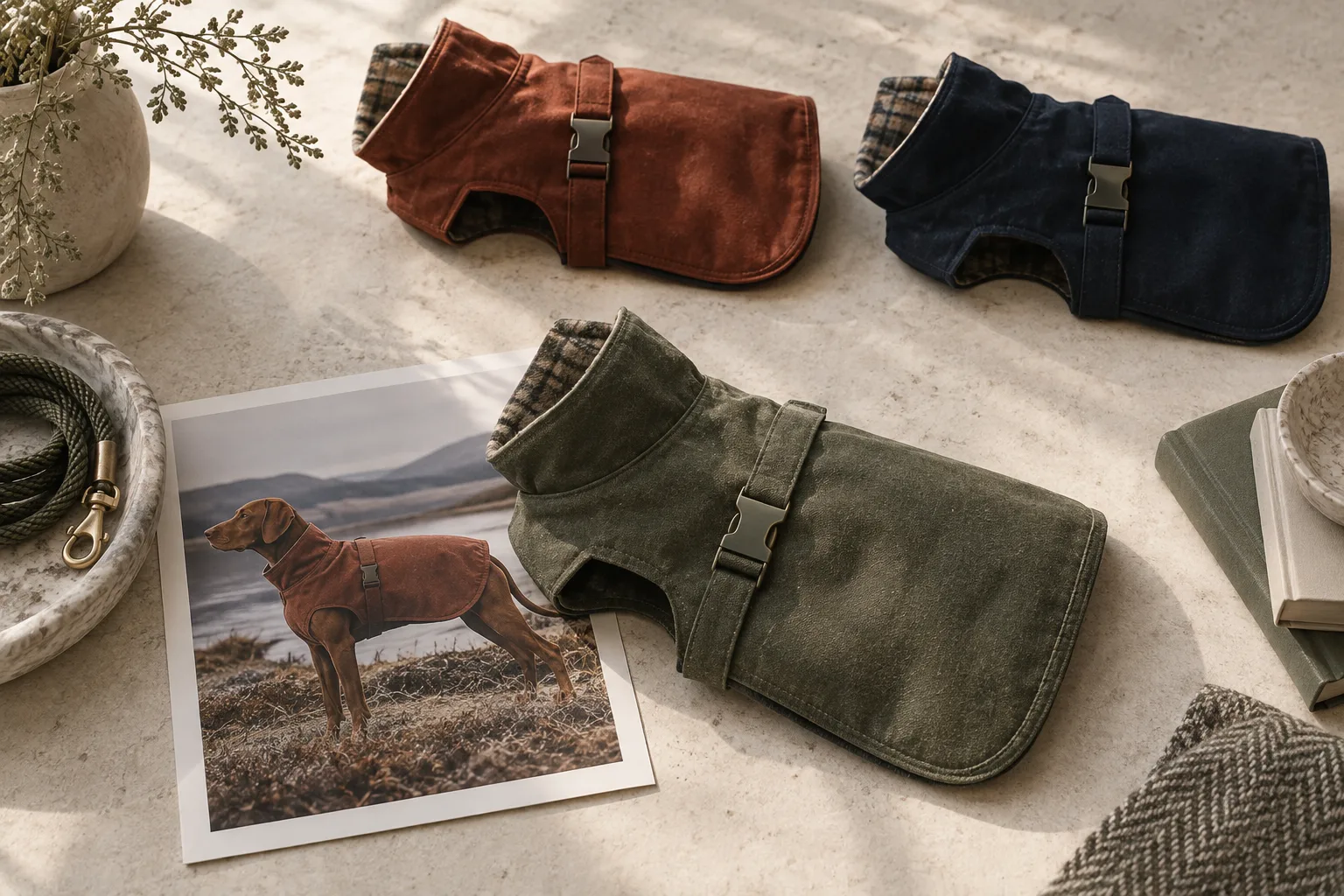
A customer selects the sage raincoat. The first image changes, but the construction close-up still shows rust. The size chart belongs to last season. One bullet mentions a lining that only exists in the winter version.
Every asset may have looked correct when someone approved it. Together, they describe an item that does not exist.
This is a catalog problem with a visual symptom. As a pet brand adds colors, sizes, channels, and seasonal revisions, the risk is less about producing one bad image than attaching a good image to the wrong product.
Amazon's variation guidance makes the category constraint explicit: available themes differ by category, and related products need a standard design and function with permitted differences. A family of products that looks sensible on your own website is not automatically a valid Amazon variation family.
Once the relationship is valid, the merchant still needs a way to keep every sellable option truthful.
Build one record for each item a customer can receive.
Take an illustrative coat offered in three colors and four sizes. If every combination is offered, that means twelve records, even when fields repeat.
Each record should identify the SKU, marketplace identifier where relevant, color, size, verified measurements, construction version, included items, and approved assets. Keep the evidence behind important details: the current specification, physical sample, or supplier confirmation that someone has checked.
The point is not to create paperwork. It is to stop a creative filename such as “coat-final-NEW” from acting as your product database.
Amazon's listing workflow includes product details such as color and item count, with required information varying by product. Its guidance also emphasizes accurate product imagery. Treat structured fields and the images as two presentations of the same underlying item.
Decide what can travel across variants.
Some content can be shared. Some can be adapted after a check. Some needs evidence for the exact item.
| Asset or claim | Sharing decision | Reason |
|---|---|---|
| Brand origin story | Usually shared | Describes the business, not a selected color or size |
| Measurement instructions | Shared if the method is identical | The method can repeat while the measurements change |
| Size values | Verify against each current size specification | Similar names do not guarantee identical dimensions |
| Fabric or fastening close-up | Share only when the construction shown is the same | Small visible differences can change the customer's expectation |
| Color-specific product image | Match the selected color | A general family image cannot establish the exact appearance |
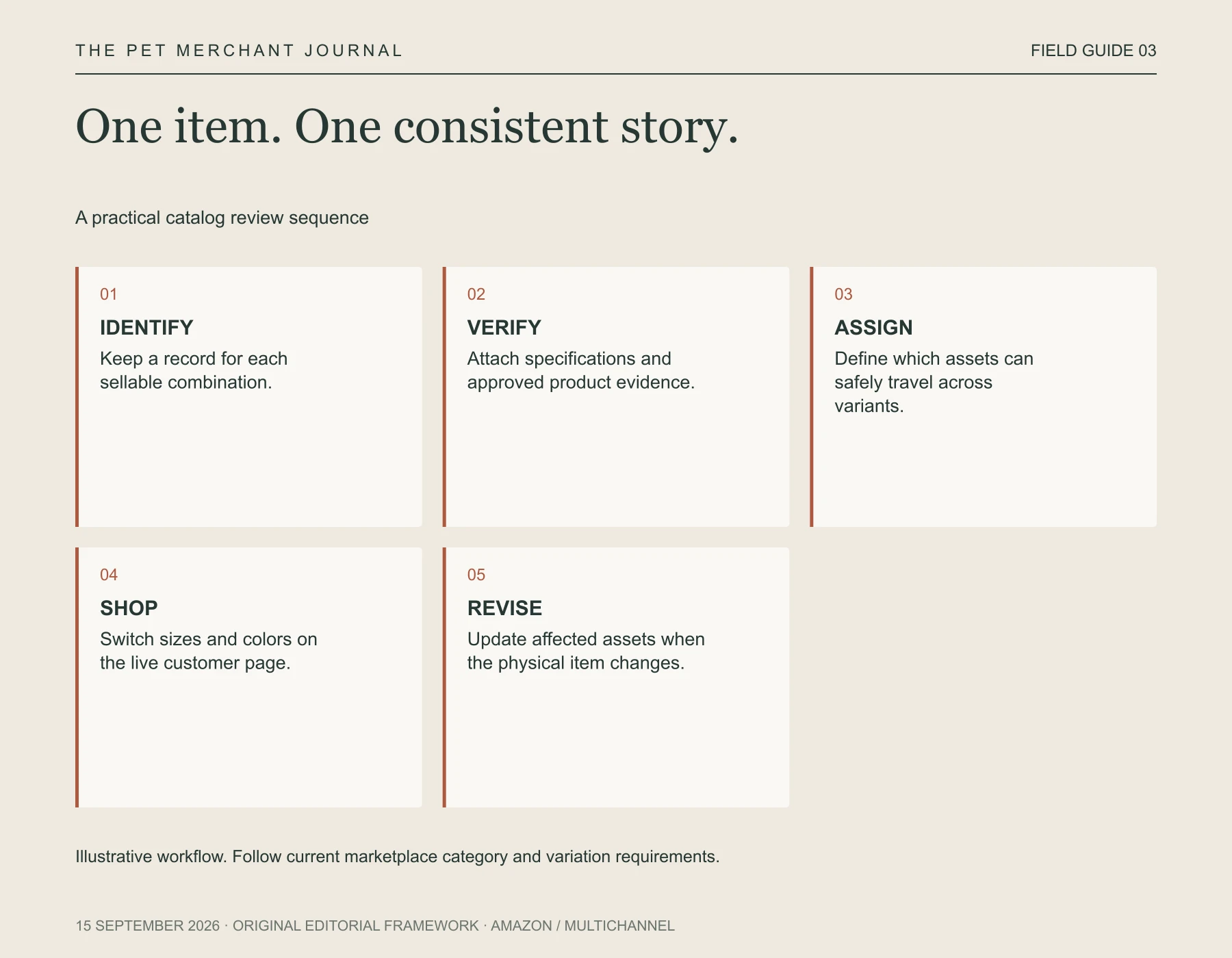
Original editorial framework. Illustrative workflow. Follow current marketplace category and variation requirements.
These are working rules for the content team, not a claim about how every Amazon image slot behaves. Categories and storefront displays differ. Inspect the actual customer experience rather than assuming an asset assignment guarantees a particular display.
Give assets identities that survive a busy season.
A useful filename might be coat-sage-m-shell-v2-detail-closure-approved.jpg. The name should lead back to an unambiguous product record.
Keep separate fields for the asset's role and its approval. A reference photo, a styling concept, and a published product image are different stages. If they live in one undifferentiated folder, a rushed handoff can turn an experiment into the official product representation.
AI recoloring deserves the same discipline. A plausible sage rendition does not verify the actual shade, trim, stitching, or material response under light. It may help plan a visual direction. The publishable asset still needs comparison with the real item and the relevant platform requirements.
Review transitions, not just individual pages.
Open the customer-facing listing and move between colors and sizes. Watch the title, selection labels, available images, measurement information, and included-item explanation together.
For the coat example, inspect sage small, sage large, and a second color before assuming the family behaves consistently. Then complete the check for all combinations before a major launch. Save discrepancies with the selected option visible so another team member can reproduce them.
This catches a different class of problem from approving twelve isolated thumbnails. The customer shops by moving between options; your review should follow that movement.
Treat revisions as new facts, even when the style name survives.
If the coat's closure or lining changes, identify which stock and SKUs carry the new construction. Reapprove the affected copy and images before they describe inventory still using the previous design. Check the marketplace's rules before deciding whether the changed item belongs on the same listing.
A spreadsheet may suffice; larger teams may need catalog software. Either way, someone must own the relationship between item, fact, and asset.
Visual consistency is useful when it makes the assortment easier to shop. It becomes a liability when every variant looks consistent because the differences have been erased.
The customer selected one item. Make every part of the page honor that choice.